In plain English
Fitted: a fix that matches the examples it was made from. It looks right on those and can still fail on new ones.
Prompting guide: Anthropic's advice on how to word what you ask Claude to do.
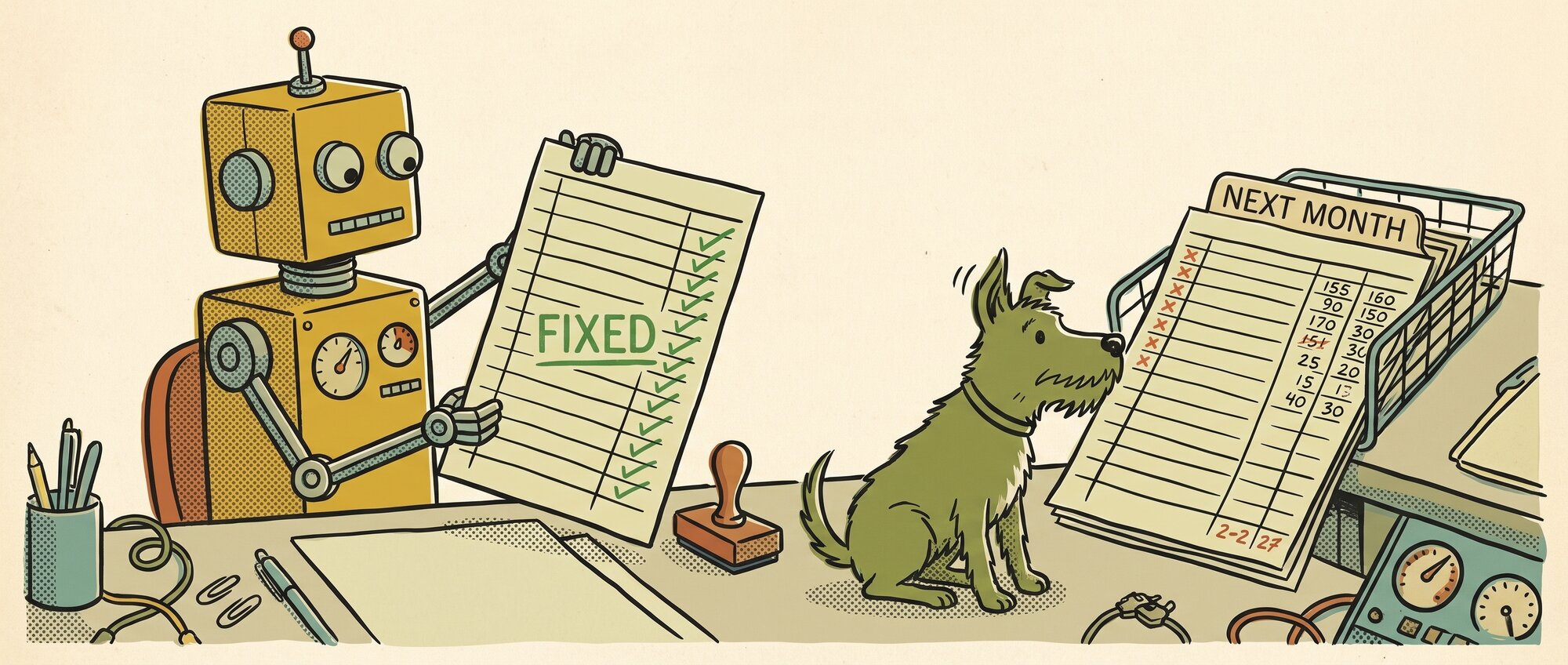
You ask Claude to fix the formula in your sales spreadsheet. It reworks it, checks it against the rows you pasted in, and tells you it's fixed. Then next month's figures go in, and the totals are wrong again.
I see this in my own work: Claude says it's fixed but it isn't. In July, Claude changed the Archive label in my site's menu to Latest and told me the renaming was done, but six other places still said Archive. My reply was "the url is 'posts', the nav bar is 'latest', and the header is 'archive'. slow clap".
A paper published on 31 October shows one reason this happens, and how to catch it. Three researchers gave nine AI models, including OpenAI's and Anthropic's, 80 simulated science problems. Each model ran experiments to work out how a system behaved, then had to predict what it would do in conditions it hadn't tested.
In nearly half the runs where a model changed its answer, the final version predicted worse than an earlier one. In one run, a model's answer matched the experiments it had already run much more closely, but got far worse at predicting new ones.
The test used simulated science problems, and it's one early study, so it doesn't prove your chatbot does the same when it fixes a spreadsheet. Still, an answer checked only against what it was built from will look fixed. The authors' advice is to test an answer on cases it wasn't built from, where it could fail.
The standard advice, trust but verify, still stands. For me, that means I test it myself and tell it what's still broken. It also means knowing what good looks like, but also knowing what bad looks like, and being able to explain to your chatbot what outputs you want and what outputs you don't want.
Fixed or just fitted?
You asked Claude to fix the total on your sales sheet. It checked the new formula against October’s figures and told you it’s fixed.
Total cell: =SUM(B2:B11)
| Row | Sales |
|---|---|
| 2 | €420 |
| 3 | €185 |
| 4 | €760 |
| 5 | €95 |
| 6 | €310 |
| 7 | €540 |
| 8 | €225 |
| 9 | €680 |
| 10 | €150 |
| 11 | €390 |
| 12 | |
| 13 | |
| 14 | |
| Total | €3,755 |
The total matches: €3,755. Claude checked its fix against these rows, and it fits them.
Which check would have caught it?
Pick one to see what it would tell you.
What to tell Claude
Say what’s still broken, then set the limits for the fix:
The total is still wrong. In November it misses rows 12 to 14, because the formula stops at row 11. Make it add up every row in column B, however many there are. Don’t change any other cells without asking me first.
Telling it what you don't want can be as plain as setting limits: only give me three responses, or don't try to troubleshoot it without asking.
I test it myself and tell it what's still broken.
Next time you ask Claude to fix something, tell it up front that the fix has to work for every row, month or file, as well as the examples you gave it. Anthropic's prompting guide suggests a similar instruction for code. When it says the job is done, try it on a case it hasn't seen, such as next month's figures, a different file or the odd row that caused the trouble. If it breaks, tell Claude what's still broken and what you don't want it to do while it fixes it.
*Kit Library members can copy a before you accept a fix prompt card, which asks the chatbot to test its fix on cases it hasn't seen and gives you lines that limit what it changes when it tries again.*