In plain English
A Gem is a saved set of instructions you create in Google's Gemini app so you can reuse it. A skill is the newer version of the same idea: a folder with a plain-text instruction file called SKILL.md. Google says the format is open, so skills can be copied between tools. A context window is the amount of text a chatbot can hold in view at once; when it fills up, earlier material drops out. A model is the AI system behind a chatbot, such as Claude or ChatGPT's GPT models, and a default model is the one a product uses unless you pick another. A product that is model agnostic lets you choose which AI model it uses. A connector links a chatbot to another service, and SharePoint is Microsoft's shared document storage. The advice here is to keep your prompts, skills, logs and summaries as files outside the chatbot, so you can hand them to a different model if you need to.
If you use a chatbot every day, your working material probably lives inside it: the prompts that took an afternoon to get right, the instructions that make it write the way you want, the record of what was decided last month. All of it sits inside one company's product, and that company can change the product whenever it likes.
Google is turning Gems into skills. Its support page says Gems on personal accounts become read-only on 17 November, though its blog says something different (details below). If you built your routine in Gems, your instructions are stored in Google's tool, and Google is changing it.
A Gem is a saved set of instructions; a skill is a folder with a SKILL.md file in it.
A chatbot's context window fills up and it can't hold everything, so the information that matters has to live in files you control.
The tool itself can change, as Gems are changing. A plan can also end or stop fitting the budget. If access disappears tomorrow, people still have to work, and they need to be able to hand that work to another model if one is available.
At TechCrunch Disrupt on 15 October, Replit CEO Amjad Masad said making OpenAI its default was "a decision based on both cost, partnership, and performance." Afterwards he told TechCrunch that "Replit remains model agnostic. Our users can choose Anthropic's Claude or other supported models."
On 24 October The Information reported that OpenAI offered Replit a discount of more than 30% on a contract worth more than $100 million a year. Its source was one anonymous person familiar with the deal. The article is paywalled, and The Next Web, which reported on it two days later, says it has not independently verified the figures. If the discount is verified, it would show OpenAI is willing to pay to win model contracts from Anthropic. Whichever side is right, the lesson is the same: the model your team uses can change.
I don't think we should be loyal to models. We should be loyal to our work and understanding how they work.
A nonprofit team I work with is on a discounted team plan that doesn't let them share projects. So they need some kind of sharing layer between them.
Using their Office 365 connector, I showed them how to build a skill they can invoke in any chat. It logs a summary of the actions from that chat into SharePoint, where the whole team can read it.
I don't just mean the chat summaries. I also mean copying prompts and skills into SharePoint folders so other teams can benefit from them. I fully believe in backing up your work, and I mean everything, right?
Instructions saved as files can be copied into another tool. Google's Workspace Updates blog calls the format "open, Markdown-native." The support page says skills made on other platforms can be imported by uploading their SKILL.md files.
The support page and the blog differ on what happens on 17 November. The support page says Gems become read-only that day and are removed on 17 December. The blog, posted on 30 September, says Gems move into the Settings panel of the Gemini app and users can keep creating, editing and using them.
Both give March 2027 for business and enterprise accounts and June 2027 for education accounts. The blog adds "no sooner than" to both dates, and the support page also lists non-profit accounts in March. Both say existing Gems are converted to skills automatically.
This week, do three things:
- Pick the prompts and skills you rely on and copy each one into a plain document or text file. If you have Gems, copy their instructions out before 17 November.
- At the end of a working session, ask the chatbot to write a summary of what was decided and done, and add it to a running log.
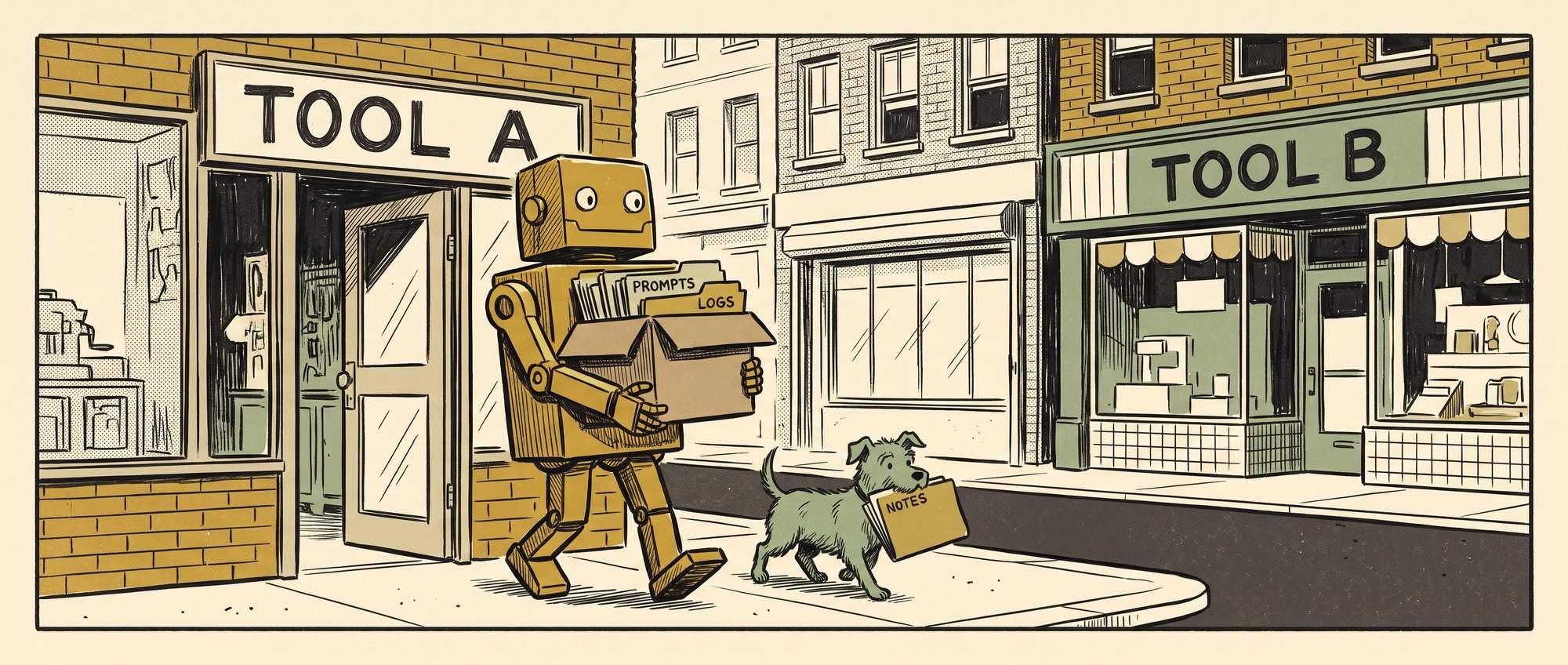
- Put the prompts, skills, logs and summaries in a shared folder outside the chat, in SharePoint, Google Drive or whatever your team already uses, so colleagues can reach them too.
Ask your AI to save its work as files covers how to get the chatbot to do the saving. With the work in a folder you own, you can move it to another tool or plan and keep working.
InteractiveWhat lives only inside your AI?
Signal Over Noise · What lives only inside your AI?
Nothing ticked yet.
What to copy out, and how
Back your work up in a shared folder outside the chat: SharePoint, Google Drive or whatever your team already uses. Ask your AI to save its work as files covers getting the chatbot to do the saving.