In plain English
Markdown is plain text with a few symbols for headings and lists, so any device or app can open it. A handover doc is a note that tells the next AI session what was done and what comes next. Compacting is when a tool like Claude Code condenses a long conversation to make room. A usage limit is the cap on how much you can use a model in a set period. A skill is a file of standing instructions that Claude Code loads when a task matches its description.
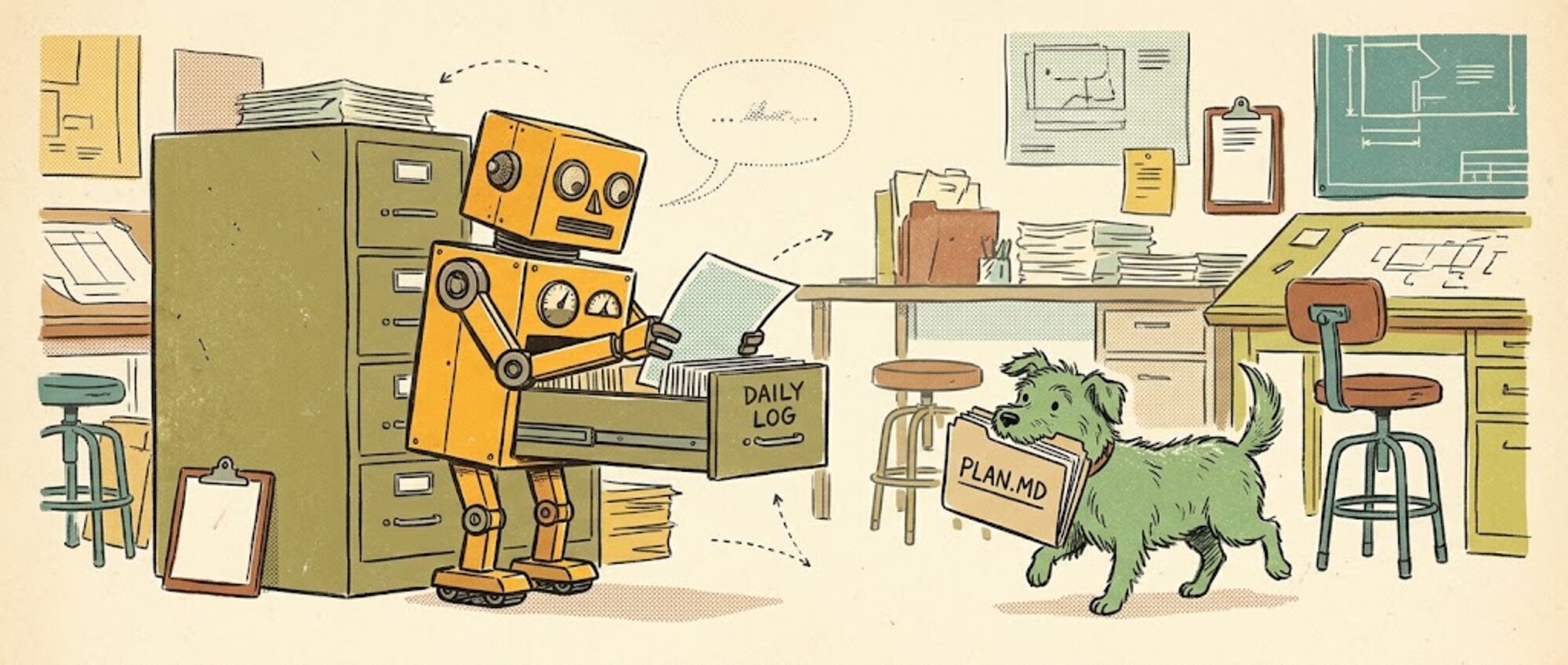
So far I haven't lost any work from an AI chat. From the early days of using models I've kept a daily log in a file, so that if I ran out of usage limits on one model I could switch over to something else, or start a new chat, and pick up where I was. I worked that way in the regular Claude app, and I kept doing it when I moved to Claude Code, where I have standing instructions for it: write everything I've done to a file.
That habit is something I have come to rely on as a backup, a daily brag doc, a working memory and more. Maybe it's the security-minded thinking, but I don't trust cloud services to hang on to my work in a chat window or to make it available offline. I also want the freedom to hand a project off to another agent if my primary driver is down for a day. With files and logs saved locally, they become something more tangible to work with instead of just kind of 'talking into the ether'.
The daily log is the basic one. The other file I ask for is a handover doc, when I can feel my usage window running out. I'll say something like: "before you compact anything, log everything we've done so far to the daily note, so append it to the daily note, but create handover documents for the next agent or agents to come along, please, so we can pick straight back up off again."
A daily log skill you can copy
This is a cut-down version of the standing instructions I give Claude Code for the daily log. Save it as .claude/skills/daily-log/SKILL.md in your project, or as ~/.claude/skills/daily-log/SKILL.md to use it in every project. Then say "log this to the daily note" when you finish a piece of work, or ask for a handover when your usage window is running out.
---
name: daily-log
description: Append what we did this session to today's daily log file. Use when I say "log this", when we finish a piece of work, or before a handover.
---

# Daily log

Append to `daily/YYYY-MM-DD.md` in this project, using today's date.
Create the folder and the file if they don't exist. Never overwrite
or rewrite earlier entries.

Add one entry per log:

## HH:MM: [one line on what this session was about]

**Done**
- What was finished, and which files changed

**Decided**
- Each decision, and why

**Next**
- What's still open, and what to pick up first

Rules:
- Plain Markdown, so any editor or model can read it.
- Facts: what changed, where, and the result. Don't summarise the chat.
- Never write passwords, API keys or tokens into the log.

## Handover

If I ask for a handover, log as above first. Then also write
`handover/YYYY-MM-DD-HHMM.md` for the next agent, with:
- the goal
- what's done
- what's left, in order
- which files to read first
If you only use a chat app, ask it: "Give me a plan in Markdown." Ask for it as an artifact, ask for a download, or copy it into a doc. Then the plan is saved as a file, and you can rewrite it later.
For me the files are good data hygiene. Markdown is readable anywhere, and text files are cheap and open in any text editor. If I need to point back to a source, I can say the definitive answer was here three days ago, go back and look at these log files. This is also part of why we set up the project for the team I'm training around files: guardrails, the terminology we agreed on, and the standing rules for where things are going to go.
Folders matter too. On a recent call someone asked whether it mattered where I saved my daily brag doc, the running record of what I've done each day. I'd saved it in the root of my Google Drive. In that case, no. Ideally, yes: a folder called daily brag docs, because you might want a daily automation working on that particular folder. Google Drive is easy to search, and you still want organised files and folders wherever you go.
Next time a chat produces something you want to keep, ask for it as a file, and save it in a named folder so an automation can work on that folder later.