I have been leaning on Gemini more and more for editorial and creative work, whilst other tools handle my operational jobs. That routine has put me back inside Gems, saving reusable instructions so I don't have to explain the exact same exercise every time I open a window.
It also gives me a very practical interest in what happens to those instructions when I change tools. I like the broader push toward standardising skills into open formats, because if I put hours into refining a workflow, I want to carry that work with me when I walk out the door.
Google's Gemini at Work announcement on 8 October introduces another possibility: swapping the underlying model without leaving the surrounding workplace software. Google says its enterprise agent will run both Gemini models and Anthropic's Claude, with support for other providers down the track.
The announcement focuses on Google's corporate workplace agent rather than the personal Gemini app on my desktop, but the underlying mechanic is worth thinking through alongside any everyday setup.
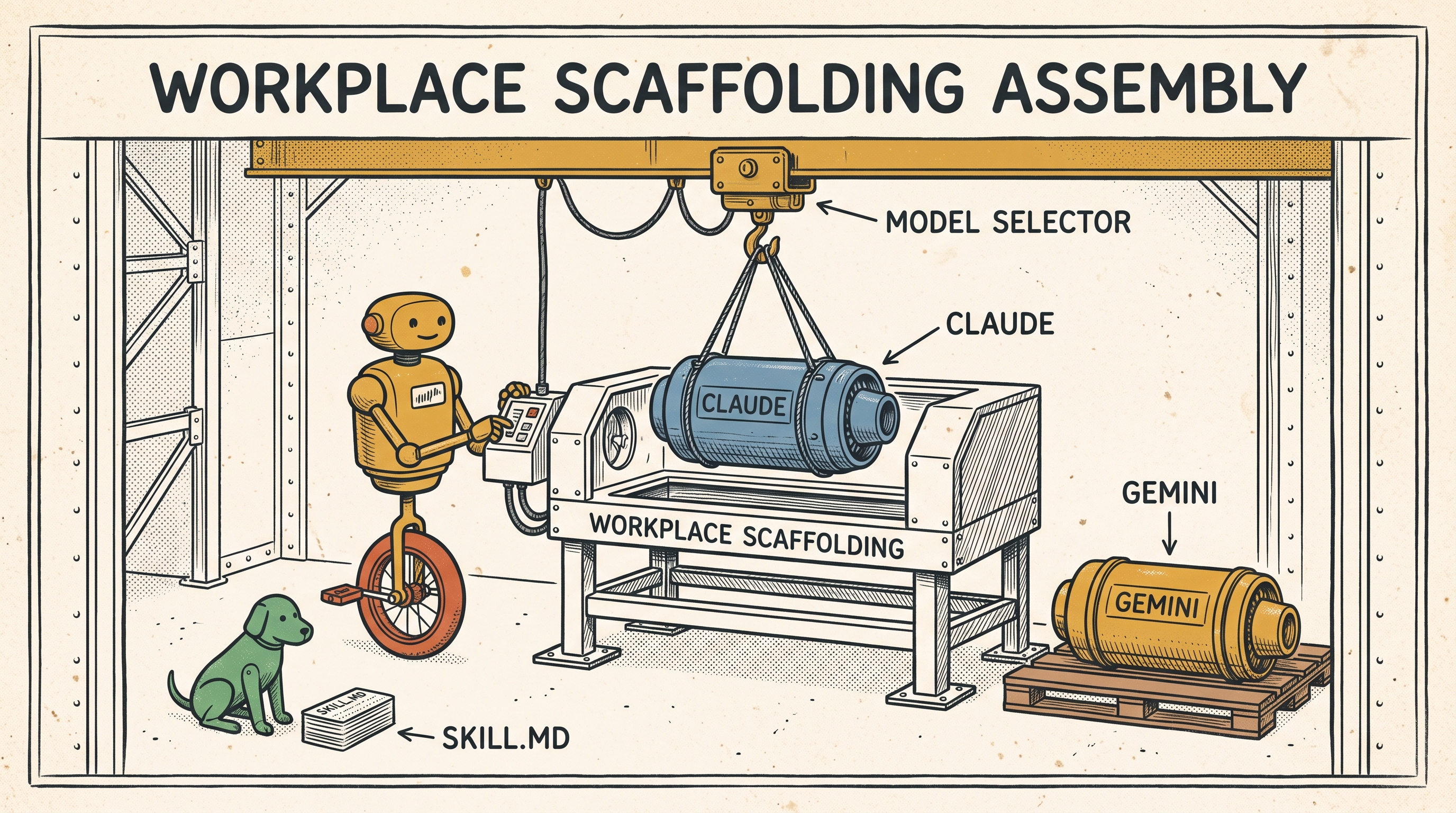
When we talk about an AI tool, we usually bundle three separate layers under one brand name: the application window on screen, the statistical engine generating the tokens, and the scaffolding around it—the files, saved instructions, connected tools, and the audit trail of what happened.
Google is pitching an arrangement where that scaffolding stays pinned in place while different models take turns under the bonnet. The pitch also includes a registry for reusable skills and policy controls governing what an agent can touch. Those are vendor promises worth testing against a real job.
An editorial task makes the trade-offs obvious. Say I have a draft article, a set of voice instructions, and three reference pieces. I run an edit with one model, but the draft comes back needing too much surgery, so I try another. If the platform passes the exact same brief and references to both engines, comparing the results is straightforward without rebuilding the entire workshop from scratch.
Even so, you still need full visibility into the mechanics: which model touched which paragraph, what raw context it received, and whether both runs honoured the same constraints. Swapping models behind the curtain is useless if you cannot tell whether an improvement came from better reasoning or a quietly altered prompt.
Then comes the question of leaving the platform altogether. A dropdown menu inside Google Workspace gives you model choice within Google's walls, but moving your work to a different platform means extracting your instructions, reference files, and historical logs, then rebuilding your permissions from scratch on the other side.
That is where the friction of finding saved skills becomes critical. Before you can transport instructions anywhere, you have to be able to find them, inspect them, and export a clean copy. An open format like SKILL.md is a great start, but it does not guarantee that a platform will let you export the complete environment your workflow relies on.
If I were testing this in an editorial workflow, I would start with one familiar article and keep the brief completely fixed. I would measure the quality of the edits, check that the model used is clearly logged on every run, and verify that I can pull my instructions and drafts out in plain text afterwards. In an enterprise rollout, I would also want a transparent ledger showing which third-party servers see company data and how each token is billed.
Before handing more of your core workflow over to a single platform, those are the questions to ask. A model selector is convenient, but the real leverage is making sure you can inspect the instructions, evaluate the run, and take your work with you.