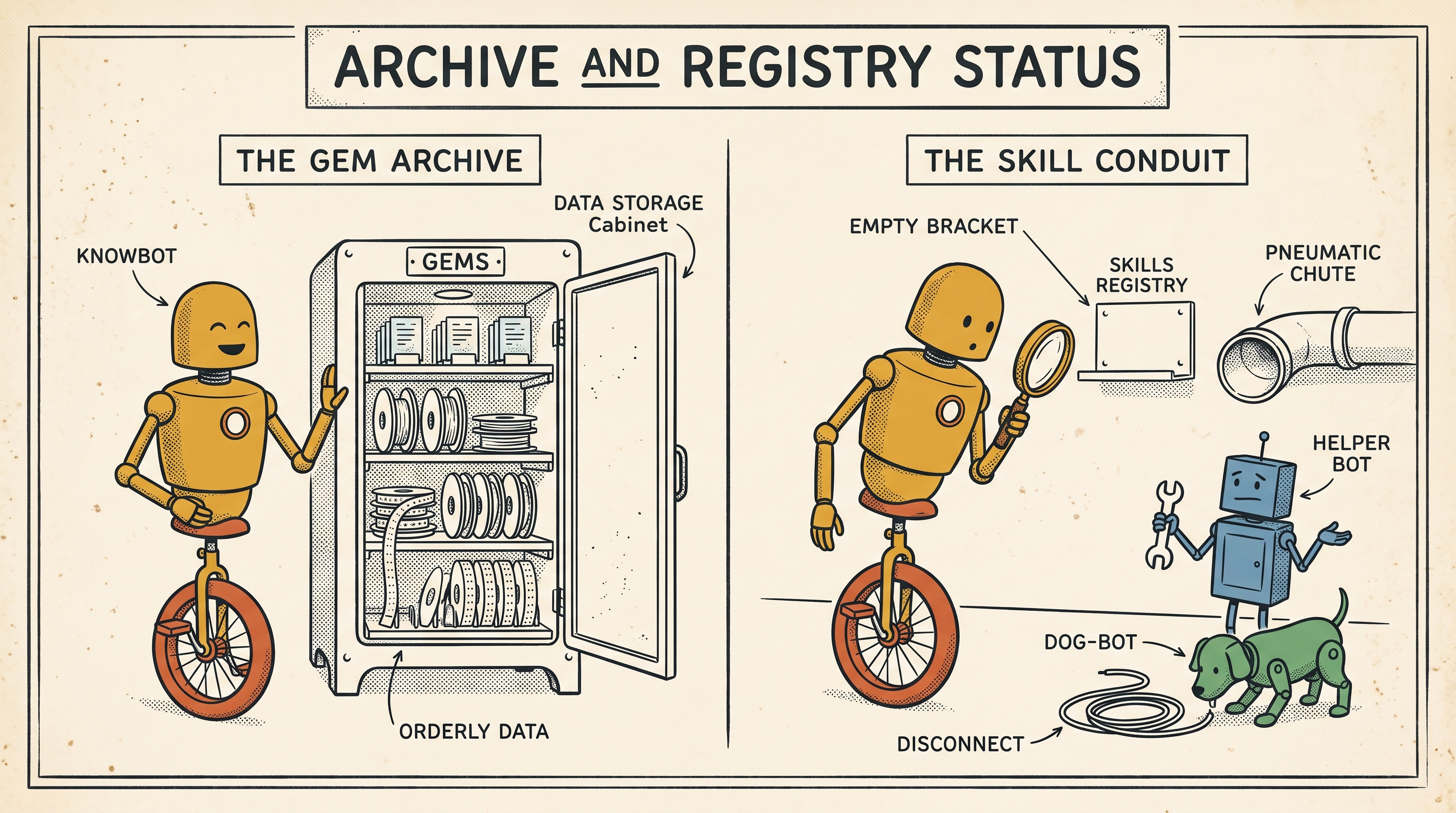
If you have not used one before, a Gem is simply a customised version of Gemini loaded with saved instructions for a specific task. My cartoon Gem, for example, holds the rules, constraints, and exemplars I want the model to follow when developing single-panel gags. I can open it up and get straight to work without explaining the whole exercise from scratch every morning.
Google is now replacing Gems with Skills, which makes this an awkward moment to introduce them. The transition is rolling out in stages, with separate schedules across personal, business, and education accounts Google's transition guide.
I like the direction. As more of us work across multiple AI tools, settling on common terminology for reusable instructions makes good sense. Google says its skills follow the open SKILL.md format: a simple markdown file containing instructions that can travel alongside supporting reference material. That gives us a clean starting point for moving our custom tools between systems, though I will still want to see how consistently different engines read and follow those files Google's announcement.
The immediate practical benefit is being able to bring saved instructions straight into a conversation you are already having. Previously, I had to hunt down the right Gem in the sidebar and start a dedicated chat. With Skills, Google says you can call one directly from the prompt box and combine several of them on the fly. A writing style skill and a separate publication rubric could work together on the exact same draft How Google describes Skills.
Finding where those instructions live, however, is where I have run into a wall.
I can find my Gems without any trouble. I have yet to find the equivalent home for my Skills.
Google's documentation points to Settings → Skills in the Gemini web app, and Skills in the left sidebar inside Workspace Studio. The rollout is gradual, so the help documents describe an interface that your account might simply not show yet Gemini instructions, Workspace Studio instructions.
There is another wrinkle: Google notes that skills created inside the consumer Gemini app will not automatically show up in Workspace. You have to rebuild them there manually. A shared name has not quite given us a unified workshop to manage them Workspace rollout details.
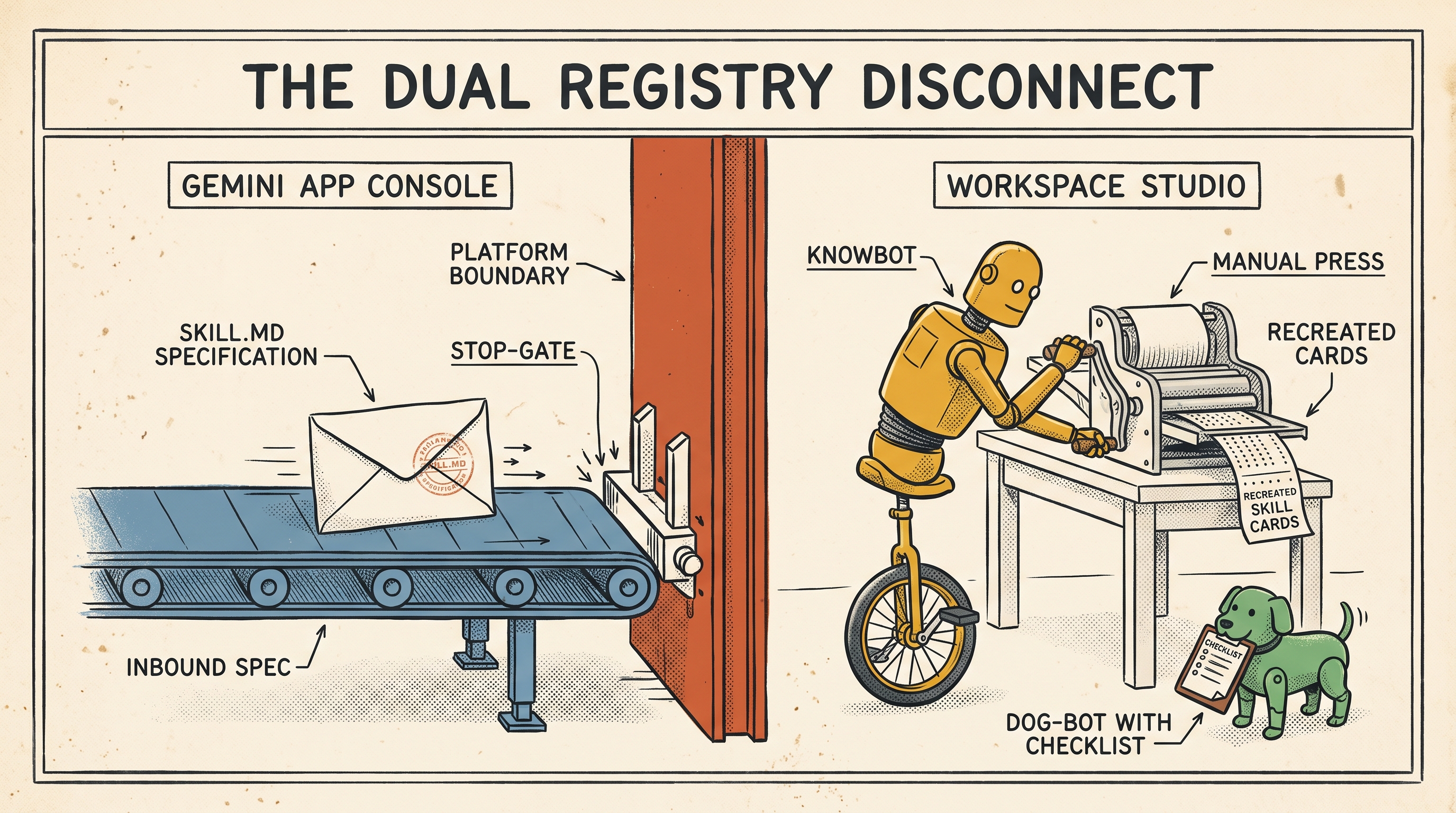
That management matters. These instruction sets contain the guardrails, edge-case fixes, and tone examples we have spent hours refining to make a tool genuinely useful. I want to know where they live so I can inspect them, adjust them, and keep a backup in plain text on my own machine.
For now, copy your Gem system prompts and reference files somewhere you control. When Skills finally lands in your account, give it a familiar task and run it side-by-side with your existing setup before leaning on it.