Spend less time arguing with your AI.
A growing library of prompts, worksheets and starter files for using AI at work, ready to copy into Claude, ChatGPT or Gemini.
Get the Members Library, €7 a month (opens in a new tab)- New kits as they’re added
- Tested and updated
- Cancel any time

Tools I work with
- Claude
- ChatGPT
- Gemini
- Microsoft 365
- Notion
- Obsidian
- Kit
- Cloudflare
What’s in the library
-
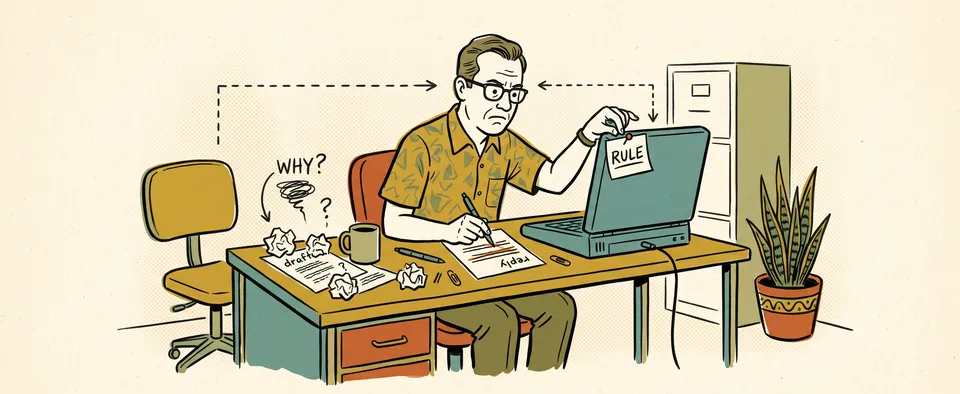
When your AI gets it wrong
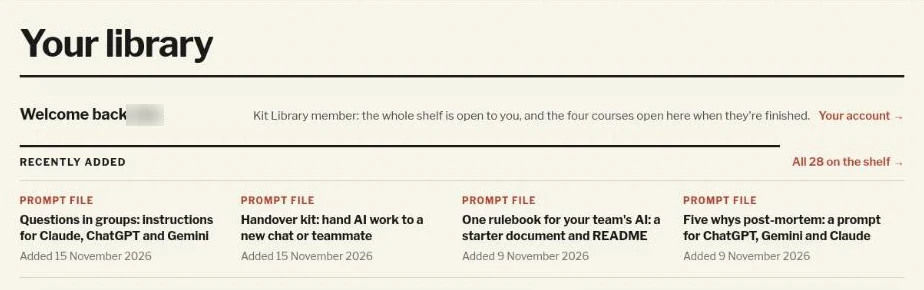
- Five whys post-mortem
- Questions in groups
- Before you accept a fix
- Before-you-ask checklist
-

When a chat gets too long
- Handover kit
- Fresh-chat handover
-

Getting your team on the same page
- One rulebook for your team’s AI
- Meeting jargon-buster
-
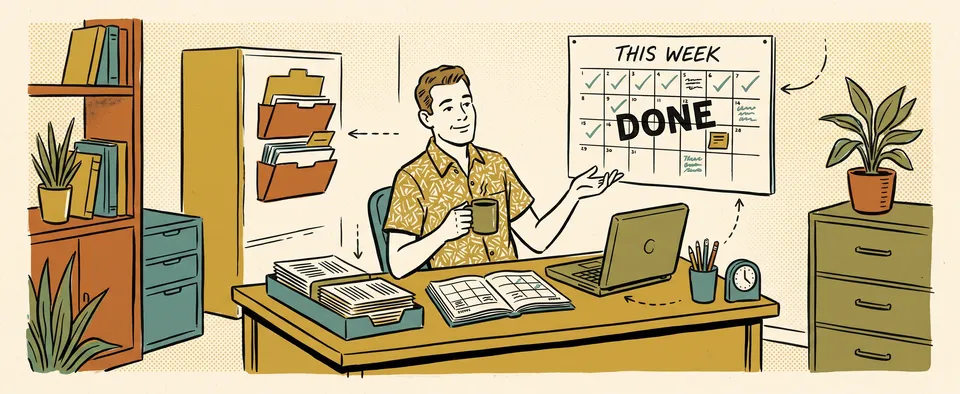
Handing repeat work to your AI
- Sort my week
- Plain English email
- AI research digest
-
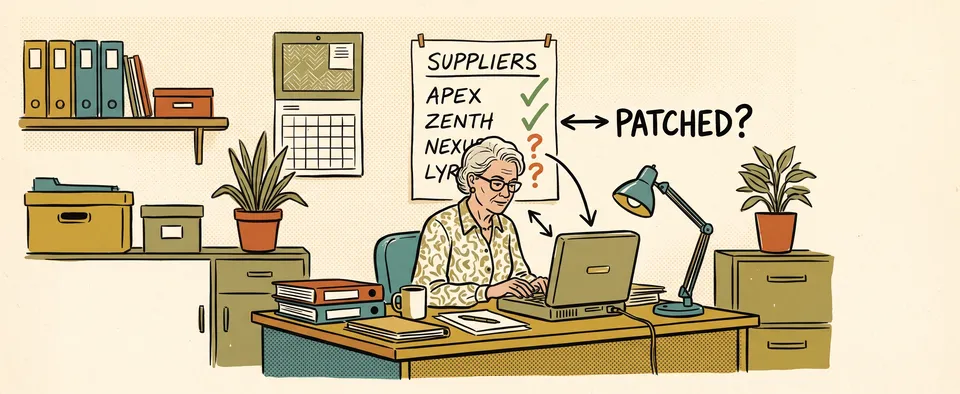
Asking the right people about security
- Ask your suppliers about patching
- Who patches the systems you depend on?
- A note to your web agency
How it works
Join
Pay monthly or yearly through Kit, the service that sends the newsletter.
Find your problem
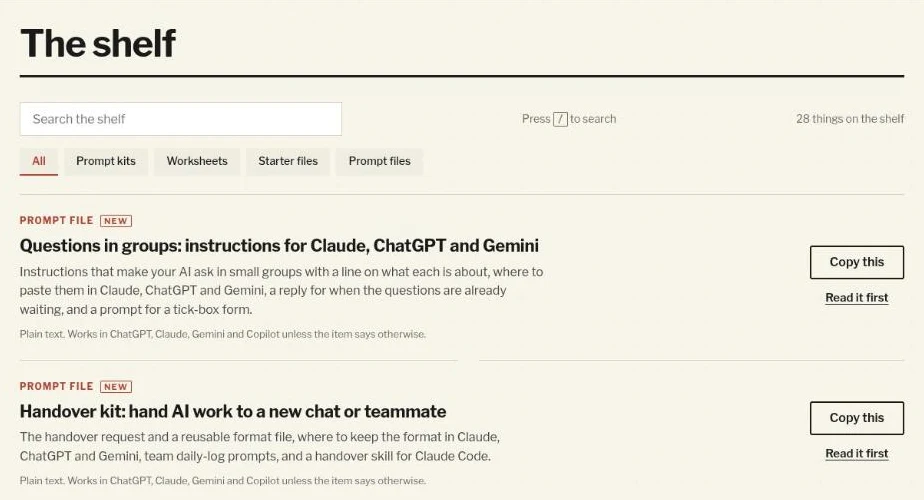
Search the shelf, or start from the newest kits.
Copy it in
Press Copy, paste it into your AI and change it to fit your work.
Every kit is tried before it goes on the shelf, and rewritten when the apps change.
Is it for you?
For you if
- You use Claude, ChatGPT or Gemini at work most days.
- You’d rather copy something that works than write it from scratch.
- You want to check what your AI gives you before you rely on it.
Not for you if
- You want a course on how AI works.
- You’re after thousands of prompts for every job.
Get the Members Library
- Monthly
- €7 a month
- Yearly
- €69 a year, two months free
From Signal Over Noise, my weekly newsletter on AI in real work. Already a member? Sign in.
For teams
Your team’s own kit library
Everyone on your team uses AI their own way. One person has a prompt that works, someone else writes theirs from scratch, and every new chat starts with re-explaining the job. Nobody has written down, in one place, what good looks like.
A kit library writes down how your team does each job it repeats, once, in one place every AI on the team reads. A kit is plain text, set up to suit whichever of Claude, ChatGPT or Gemini each person uses. For a weekly client update, it says what goes in, in what order and in your team’s tone, and what to check before it’s sent. Everyone starts from the same kit, so you write once, but read many. When something changes, one person edits the kit, and everyone works from the new version.
We start with the jobs your team repeats and agree what good looks like for each one. Your library includes:
- a kit for each of those jobs, written in your words
- a rule book every AI on the team reads first, setting out the standard your team agreed
- a definition sheet, so everyone, and their AI, uses the same words for the same things
- a session showing the team how to add its own kits
It works best when the team has already agreed how it wants to work, because AI helps enhance what should be there already. Someone on the team still owns each kit and keeps it up to date.
Each library is quoted for the job. Tell me what your team does and how it uses AI now, and I’ll come back with a scope and a price.
Tell me about your team →