Building a Persistent Knowledge System for Your AI Assistant
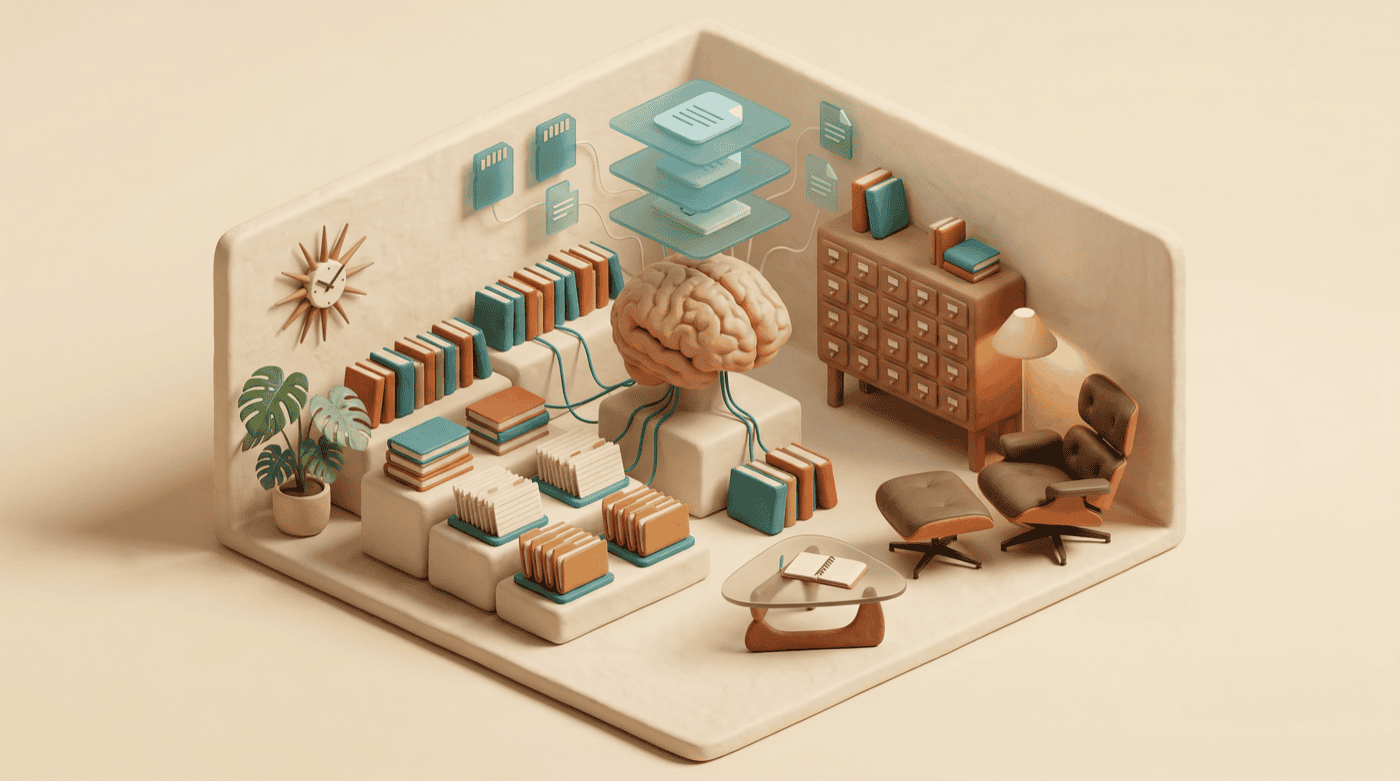
Every new session with an AI assistant starts from zero. It doesn’t remember your coding conventions, your architectural decisions, or that you spent three sessions last week establishing a pattern it’s about to contradict. You explain the same things, correct the same mistakes, and watch it cheerfully ignore context that should be obvious by now.
This is the single biggest friction point in AI-assisted development, and most people just live with it. They re-explain, re-correct, and chalk it up to the cost of using the tool.
It doesn’t have to work that way. Claude Code has a layered system for persistent knowledge — files and directories that carry your rules, your learned patterns, and your workflows across every session. By the end of this guide, you’ll have a working knowledge system that makes your AI assistant meaningfully smarter about your projects, every time you open a terminal.
What you’ll need
- Claude Code — installed and working. If you haven’t set it up yet, follow Anthropic’s installation guide.
- An active project — you need a real codebase with real conventions to encode. A toy project won’t give you enough substance to work with.
- 30 minutes of uninterrupted focus — you’ll be writing rules and documenting patterns. This is thinking work, not typing work.
Four layers, one system
Claude Code’s knowledge system isn’t a single file — it’s four layers that build on each other, from broad rules down to specific workflows. Understanding the layers before you start building saves you from putting the wrong thing in the wrong place.
At the foundation, CLAUDE.md sets the rules — what your project cares about, how code should be written, what to always or never do. On top of that, Memory captures learned patterns: things Claude discovers about your project during sessions that should persist, like architectural decisions and naming conventions. Commands encode repeatable workflows, turning multi-step tasks into single slash commands. And Skills handle the complex workflows that need metadata and structure — commands with more scaffolding.
Each layer has a purpose. Mixing them up — shoving workflow instructions into CLAUDE.md, or encoding one-off decisions into memory — creates noise instead of signal. Here’s how to build each one.
CLAUDE.md — the rulebook that loads before you speak
CLAUDE.md is a markdown file at the root of your project. Claude Code reads it at the start of every session, before you say a word. Anything in this file becomes part of the AI’s baseline context for your project.
Create it:
touch CLAUDE.mdThen open it and start writing rules. A good CLAUDE.md is specific, testable, and short. Here’s what belongs in it:
# Project Rules

## Code Style
- Use TypeScript strict mode — no `any` types
- Prefer named exports over default exports
- Error handling: use Result types, not try/catch

## Testing
- Run `npm test` before every commit
- Integration tests go in `__tests__/integration/`
- Mock external services, never hit real APIs in tests

## Architecture
- All API routes go through `/src/routes/`
- Database queries live in `/src/db/` — never inline SQL in route handlers
- Use the repository pattern for data access
Notice what’s in there: specific instructions Claude can follow and you can verify. “Write clean code” is useless. “No any types” is something Claude can actually enforce.
Global vs. project rules
You’ve also got a global CLAUDE.md at ~/.claude/CLAUDE.md. Rules here apply to every project, not just one. This is where you put preferences that follow you everywhere:
# Global Rules

- Always use conventional commits (feat:, fix:, docs:, etc.)
- Never expose API keys in code or bash commands
- Prefer editing existing files over creating new ones
- Run the linter before presenting code as finished
The project-level file overrides the global one when they conflict, which is usually what you want. Your Python project and your TypeScript project probably have different conventions, but they can share the same commit message format.
What doesn’t belong in CLAUDE.md
Temporary instructions, session-specific context, and anything that changes week to week. If you find yourself editing CLAUDE.md every few sessions, that content probably belongs in memory instead.
Also avoid vague aspirations. “Prioritize performance” means nothing without specifics. “Use database indexes for any query that runs in a loop” gives Claude something to act on.
Memory — what sticks between sessions
Memory is where patterns that emerge during work get saved for future sessions. It lives in ~/.claude/projects//memory/, and the main file — MEMORY.md — loads automatically at the start of each session, just like CLAUDE.md.
The difference between CLAUDE.md and Memory is intent. CLAUDE.md is rules you write upfront. Memory is knowledge that accumulates through use — things Claude discovers or you establish during sessions that should stick.
What to save in memory
Good memory entries are stable facts about your project that Claude would otherwise have to rediscover:
# Project Memory

## Architecture
- Primary dev machine: M2 MacBook Pro, hostname `dante`
- Deploy target: VPS via rsync over SSH
- Astro sites deploy via deploy.sh script, no CI/CD

## Key Decisions
- Chose SQLite over Postgres for the local search index (Feb 2026)
- Blog uses plain .md files, not MDX — HTML blocks pass through Astro's renderer

## Patterns
- Hero images go to `publichttps://assets.jimchristian.net/son/blog/YYYY/YYYY-MM-DD-slug/hero.png`
- Always compress PNGs with pngquant before committing
What not to save
Session-specific details, task progress, or anything that’s true today but won’t be true next month. “Currently working on the auth refactor” doesn’t belong in persistent memory — it’s stale by next week.
Also avoid duplicating what’s already in CLAUDE.md. If you’ve got a rule in CLAUDE.md saying “use conventional commits,” you don’t need a memory entry saying “this project uses conventional commits.”
Linking additional memory files
As your memory grows, MEMORY.md can get unwieldy. You can split it into topic-specific files in the same directory and link to them from MEMORY.md:
# Project Memory

## Machine Parity
See [machine-parity.md](machine-parity.md) for M1 vs M2 setup comparison.

## Obsidian CLI
See [obsidian-cli-audit.md](obsidian-cli-audit.md) for integration notes.
Claude reads the linked files too, so the knowledge stays accessible without cluttering the main file.
Commands — stop repeating yourself
Once you’ve been working with Claude Code for a while, you’ll notice patterns in your own instructions. You type the same multi-step sequence every time you prep a release, review a PR, or set up a new component. Commands turn those patterns into reusable slash commands.
Commands live in .claude/commands/ inside your project. Each one is a markdown file:
mkdir -p .claude/commandsHere’s a command that runs a pre-commit check:
<!-- .claude/commands/prep-commit.md -->
Before committing, run through this checklist:

1. Run `npm test` — all tests must pass
2. Run `npm run lint` — fix any warnings
3. Run `npm run build` — confirm it compiles cleanly
4. Check for any `console.log` statements that should be removed
5. Verify the commit message follows conventional commit format

Report results for each step. If anything fails, fix it before proceeding.
Now you type /prep-commit in any session and the whole workflow runs. No re-explaining, no forgetting step 4.
Personal vs. project commands
Commands in .claude/commands/ are project-specific and should be committed to your repo — your whole team benefits from them.
Commands in ~/.claude/commands/ are personal and follow you across projects. Good candidates for personal commands: your writing review process, your deployment checklist, your code review approach.
Skills — when a checklist isn’t enough
Skills are commands with more structure — they include metadata, can specify which tools to use, and handle workflows that need more context than a simple checklist. If commands are sticky notes on your monitor, skills are the laminated reference card pinned to the wall.
Skills live in .claude/skills/ as markdown files with a metadata section:
<!-- .claude/skills/code-review/SKILL.md -->
---
name: code-review
description: Thorough code review with specific focus areas
tools: [Read, Grep, Edit]
---

## Process

1. Read the changed files (use `git diff --name-only HEAD~1`)
2. For each file, check:
   - Does it follow project conventions from CLAUDE.md?
   - Are there error handling gaps?
   - Any security concerns (exposed credentials, unsanitized input)?
   - Test coverage — is the change tested?
3. Apply fixes directly — don't just list recommendations
4. Summarize what was changed and why
The line between commands and skills is judgment. If a workflow is a sequence of steps, a command works fine. If it needs tool specifications, conditional logic, or enough context that the markdown file is more than a page long, make it a skill.
Start small, grow it from use
Here’s how to build this from scratch without overthinking it.
Week 1: Start with CLAUDE.md. Write the 5-10 rules that matter most in your project. Code style, testing requirements, file organization — whatever you find yourself correcting most often. Keep it under 30 lines. You can always add more.
Week 2: Let memory accumulate. As you work, notice when Claude learns something useful during a session. “Oh, this project uses SQLite, not Postgres” or “the deploy process requires an SSH tunnel.” Save those to memory at the end of the session, or ask Claude to update its memory with the key facts.
Week 3: Create your first command. Pick the workflow you type out most often and turn it into a slash command. Pre-commit checks and code review are common starting points.
After that: Add rules, memory, and commands as the need arises. The system grows organically from how you actually work, not from a template you filled out once and forgot about.
What you’ll notice
The re-explaining stops first. Claude knows your project’s conventions from sentence one, because it read them before you said anything. The second change is subtler — your sessions get shorter because the AI makes fewer wrong-direction decisions. It knows your project uses Result types for error handling, so it doesn’t waste a round-trip writing try/catch blocks you’ll reject.
Over a few weeks, the compound effect is significant. Each session starts further along than the last one would have ended, and your CLAUDE.md and memory become a living document of your project’s institutional knowledge — the kind of context that usually lives in someone’s head and vanishes when they switch teams.
Here’s the thing, though: maintaining this system takes real effort. CLAUDE.md rules that were accurate in January might be wrong by March. Memory entries about your architecture drift as the project evolves. I’d budget a few minutes every couple of weeks to review what you’ve got and prune anything stale. A knowledge system with outdated information is worse than no system at all, because Claude will confidently follow rules that no longer apply.
Where to go from here
- Audit your current workflow first. If you haven’t run How to Audit Your AI Usage Patterns, do that before building your knowledge system. The audit report tells you exactly which friction points to encode as CLAUDE.md rules.
- Start with pain points, not completeness. You don’t need to document everything about your project on day one. Start with the three things Claude gets wrong most often, write rules for those, and expand from there.
- Review and prune regularly. A knowledge system that reflects how your project worked six months ago will cause more problems than it solves. Treat CLAUDE.md and memory like code — if it’s not serving the current state of the project, update or remove it.